Let words
speak.

Listen to documents, articles or any passage you select, right on your Mac.

FreemacOS 15+Apple Silicon
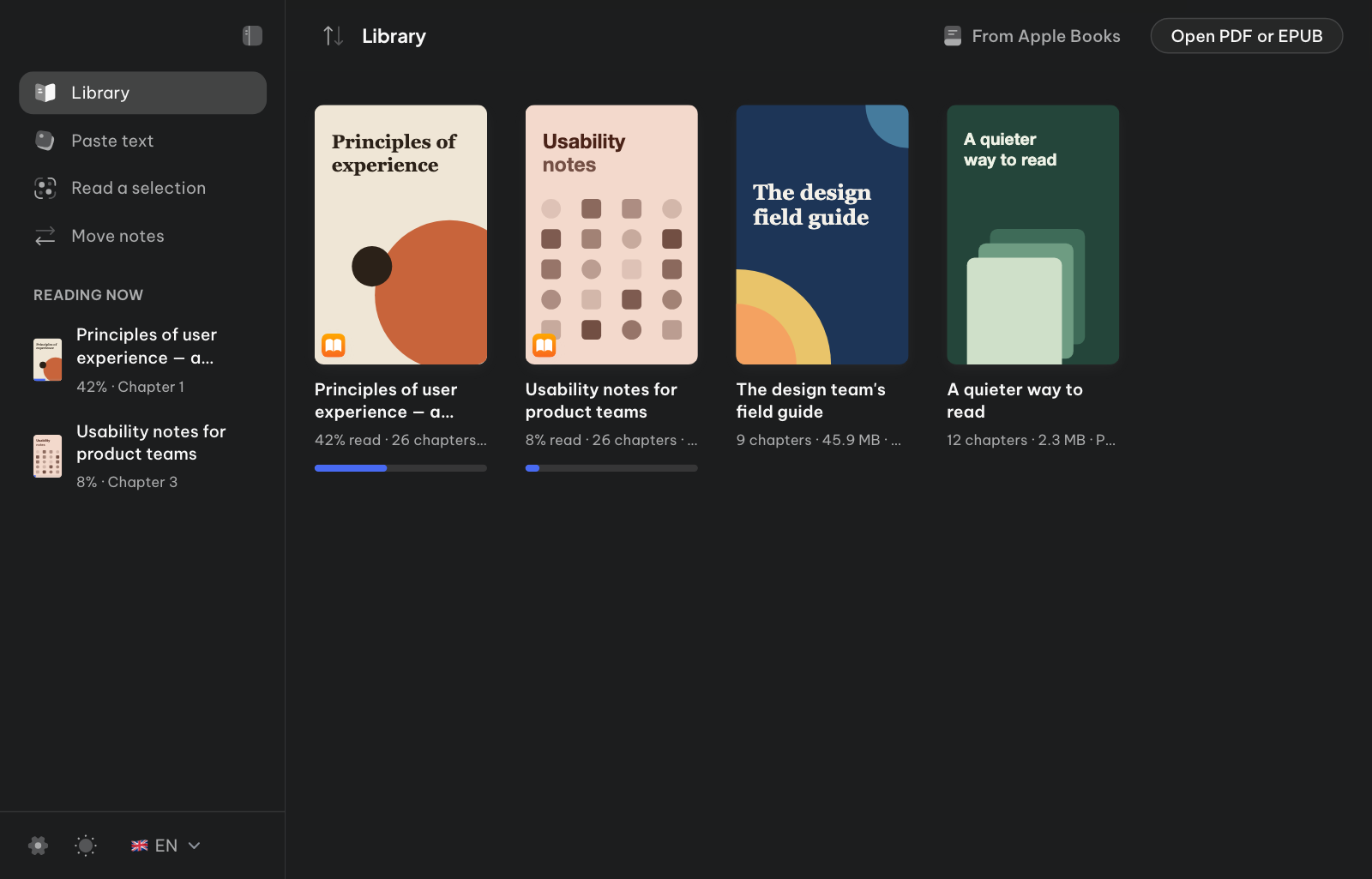
ReadEase library with document covers, reading progress and the Open a book or document button.
Open a document from your library.
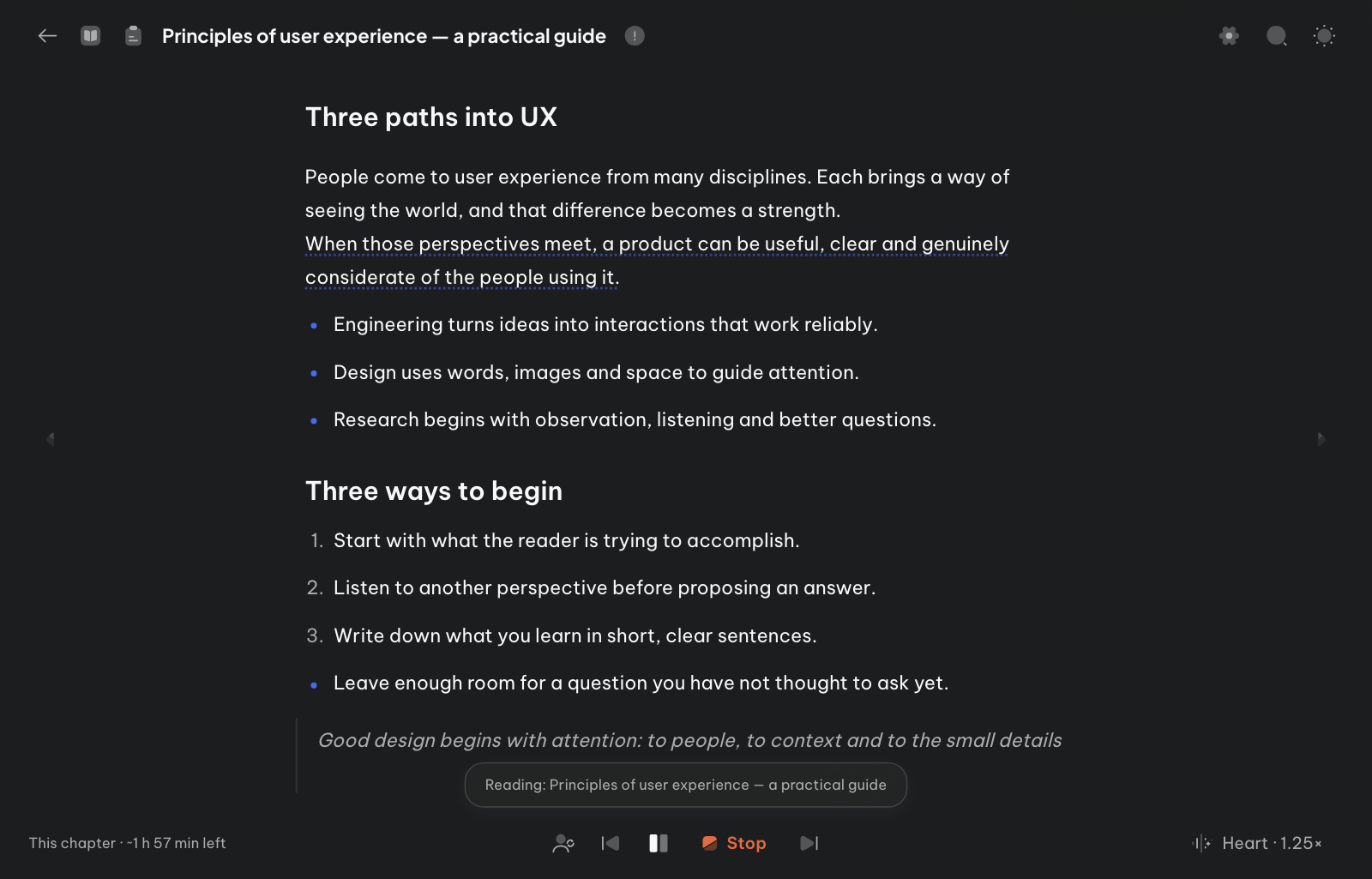
ReadEase reader with two pages, the current passage underlined, an illustration and playback controls.
Press Continue and listen, passage by passage.
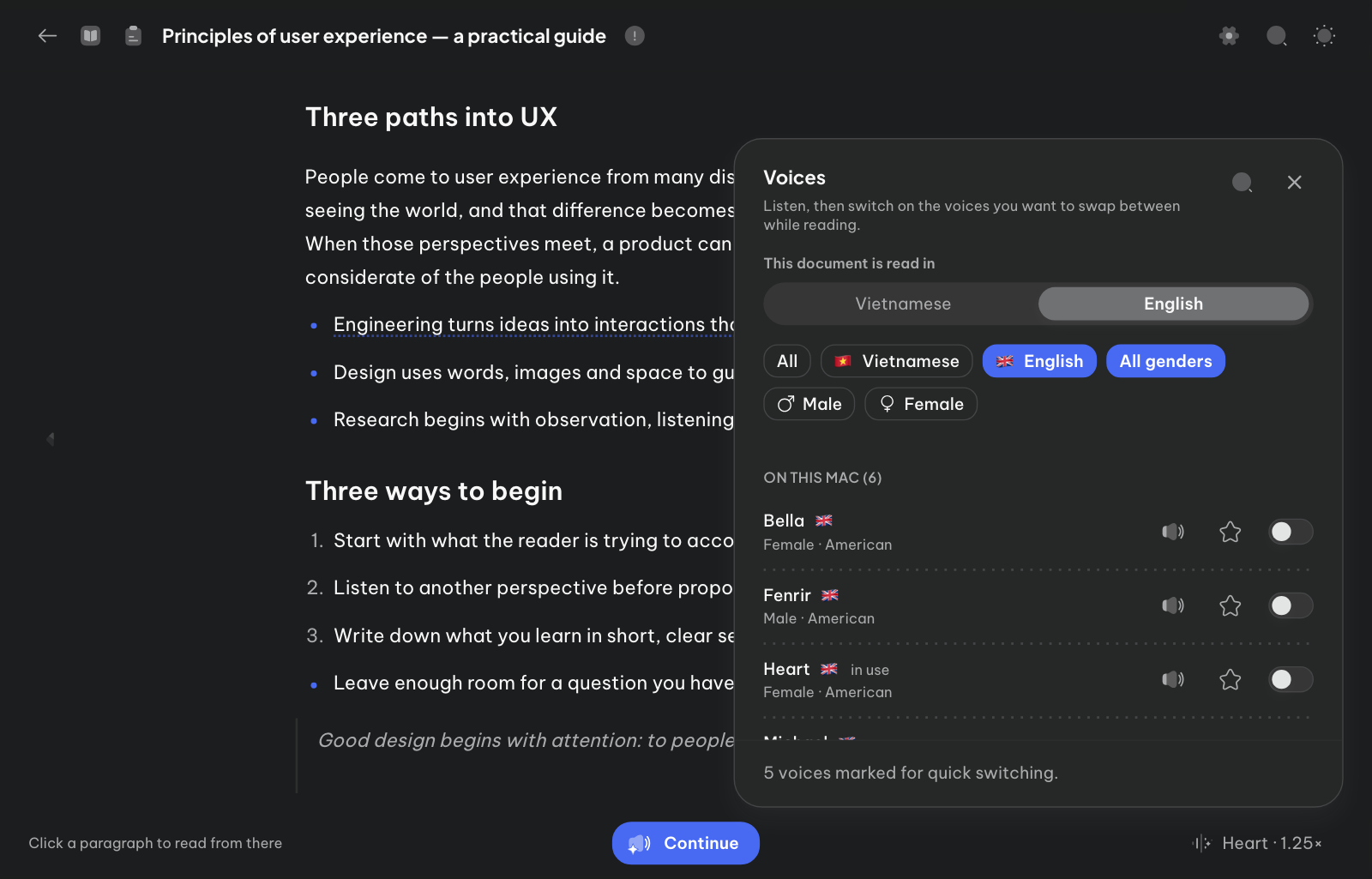
Voice selection with language and gender filters and individual voice previews.
Preview and switch voices any time.
  • PDF, EPUB, Word & TXT library
  • Paste text
  • Read a selection anywhere
  • Natural reading
  • Tiếng Việt & English
  • Listen offline
  • Apple Books

Start with what
you want to read.

ReadEase library with document covers and reading progress to continue where you left off.

YOUR LIBRARY EPUB / PDF / WORD

The document you started.
The rest is still ahead.

A moment to slow down

  1. The morning begins with a page.
  2. Read slowly. Give each idea a little time to stay.
  3. Then carry on, at your own pace.

PASTE TEXT UP TO 100,000 CHARACTERS

A worthwhile article.
No file needed.

A page you're reading

Some words are worth keeping.
And some passages are worth hearing once more.

Listen to the selection⌥ ⌘ R

READ A SELECTION ANY APP

Stay where you read.
Hear what you select.

Figure 2

Please see Figure 2.

EPUB ILLUSTRATIONS IN READING ORDER

Figures, mentioned
right on cue.

Read with care

Pauses in the right places.
For the right length.

  • Pauses that follow punctuation

  • Headings read with weight

  • The text lights up as it reads

  • Chapter chimes

  • Markdown read clean

  • ALL CAPS read naturally

  • Citations skipped

  • Pauses shorten at speed

Voices

Tiếng Việt or English.
Right on your Mac.

Tiếng Việt

VieNeu

Standard · 330 MBHighest · 625 MB

English

Kokoro-82M

6 American voices330 MB

Prefer an AI voice? Bring your own key.

OpenAI · MarinSaved
ElevenLabs · SarahSaved

And more

The small things
that make listening easy.

  • Adjustable speed

  • History on this Mac

  • In the menu bar

  • Apple Books

  • Bilingual interface

  • Drag a file in to open it

Free

Free to use.
Private by default.

Download a voice once, then listen offline.

  • No account
  • No API key needed
  • No telemetry

Free for noncommercial use. How ReadEase handles privacy

Before you start

A little more peace of mind.

Will it run on my Mac?

You need an Apple Silicon Mac (M1 or newer) with macOS 15+ and 8 GB of memory; 16 GB is smoother with both the Vietnamese and the English voice. Intel Macs are not supported. Open the .dmg, drag the app to Applications, then set up a voice in the app. Read the install guide.

Does it work offline?

Yes. Once a model is downloaded, VieNeu and Kokoro run entirely on your Mac. You only need a connection to get the app and prepare a voice the first time.

What about outside AI voices?

OpenAI and ElevenLabs are optional paid providers, enabled only when you add your own key. The passage being read goes directly to that provider. With local voices, your content stays on your Mac.

Does it watch my screen?

No. ReadEase only copies selected text when you press the shortcut, with macOS Accessibility permission. It doesn't monitor your screen or provide OCR for scanned pages.

Keep reading.
Your way.

Free for noncommercial use.

Download for Mac

Latest release on GitHub.zip